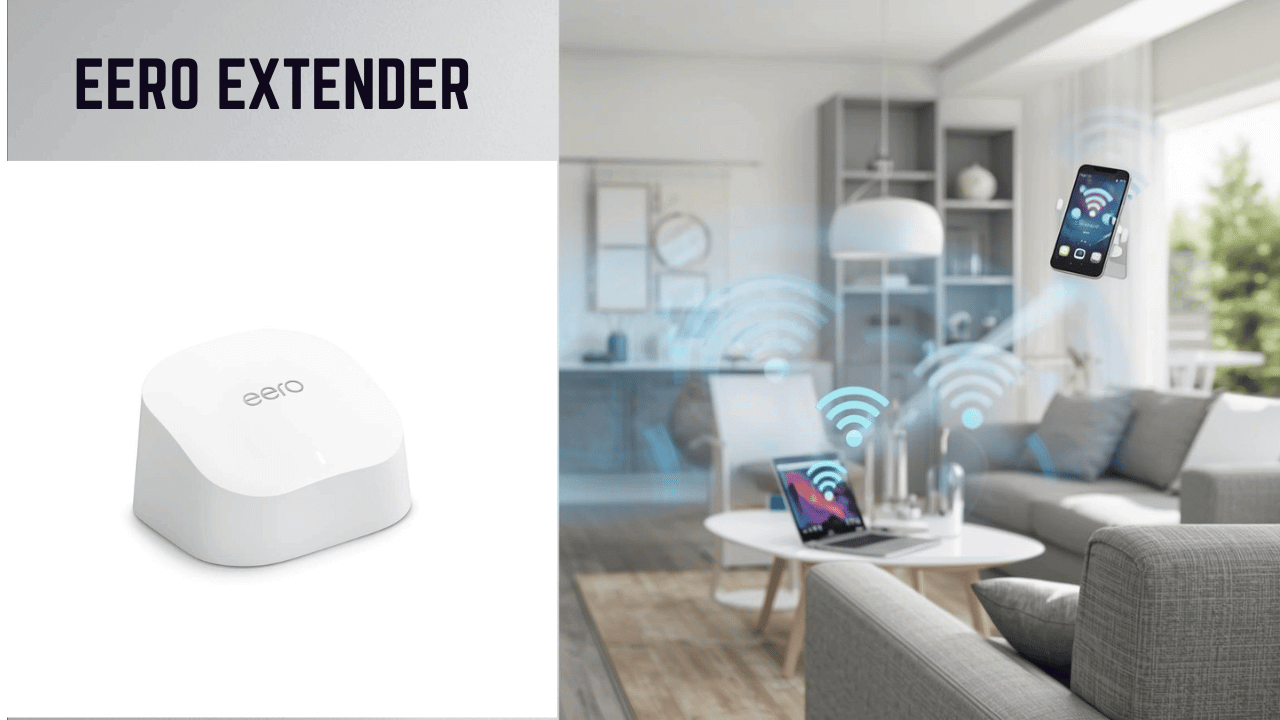
eero Extender That Actually Improves Your Signal
WiFi dead zones can quickly turn streaming, video calls, or simple browsing into a frustrating experience. An eero extender expands your existing eero mesh network or helps you build one giving you smooth, whole-home coverage without complicated setup or technical headaches.
How to Choose the Best eero Extender
Weak WiFi in distant rooms or across multiple floors can make everyday online tasks feel unreliable. The usual issue? Your main router works fine in central areas, but certain rooms lose signal completely.
Common problems buyers face include:
- Slow speeds or weak signal in far rooms
- Confusion about compatibility with current equipment
- Choosing the wrong pack size for their home
- Paying for features they don’t actually need
Modern eero systems improve performance with Wi-Fi 6 technology, stable connections, simple app-based setup, and smart features designed for busy households filled with devices.
This guide is ideal for:
- Beginners setting up mesh for the first time
- Homeowners expanding an existing eero system
- Gamers and remote workers who need stable connections
- Large homes or multi-level apartments
- Anyone wanting seamless mesh WiFi without complexity
This guide will help you choose the right eero extender based on your home layout, internet usage, and long-term needs.
What to Look for When Buying an eero Extender
Suitability for Your Setup and Daily Use
Make sure the model:
- Works with your current router or eero network
- Matches your home size
- Supports streaming, gaming, and work demands
- Includes Wi-Fi 6 for improved efficiency
A single add-on works well for small coverage gaps, while multi-packs are better for full-home coverage.
Feature Simplicity and Transparency
Look for:
- Clear coverage specifications
- Honest device capacity information
- Simple app-based setup
- No unnecessary extras
eero is known for keeping things straightforward, which makes installation easy even for beginners.
Performance and Stability
A good extender should:
- Provide reliable coverage without drop-offs
- Maintain steady signal strength
- Handle multiple devices smoothly
- Offer Ethernet ports if you prefer wired connections
Consistency is more important than flashy speed claims.
Brand Reliability and Support
eero, backed by Amazon, offers:
- Regular firmware updates
- Helpful in-app guidance
- Clear support resources
- Reliable warranty coverage
Long-Term Value
Choose a system that is:
- Durable and well-built
- Future-ready with Wi-Fi 6
- Expandable with additional nodes
- Easy to manage through the eero app
Top 3 eero Extender and Mesh Packages
These options stand out for practical performance, smooth integration, and dependable coverage in real homes.
01- Amazon eero 6 Add-On Extender – Best Overall Choice
This add-on expands an existing eero mesh network and adds up to 1,500 sq. ft. of Wi-Fi 6 coverage. Note: Requires an existing eero system.
Key Benefits
- Stable and consistent performance
- Quick app-based setup
- Smooth compatibility with modern devices
- Ideal for everyday streaming and work

Pros
- Reliable real-world coverage
- Simple installation
- Seamless mesh integration
- Trusted ecosystem
Cons
- Does not work without an existing eero network
Best For
- Current eero users
- Filling signal gaps
- Expanding mesh coverage easily
02- Amazon eero 6 (2-Pack: Router + Extender) – Best Starter Mesh Setup
This package includes one router and one extender, providing whole-home coverage in smaller to mid-sized homes.
Key Benefits
- Supports plans up to 500 Mbps
- Covers up to 3,000 sq. ft.
- Connects 75+ devices
- Easy app management

Amazon eero 6 (2-Pack: Router + Extender)
Amazon eero 6 mesh wifi system – Supports internet plans up to 500 Mbps, Coverage up to 3,000 sq. ft., Connect 75+ devices, 2-pack (1 router + 1 extender)
Pros
- Great entry-level mesh option
- Reliable for streaming and work
- Expandable later
- Affordable starting point
Cons
- Not ideal for very large homes
Best For
- First-time mesh users
- Small to medium homes
- Device-heavy households
03- Amazon eero 6 (3-Pack: Router + 2 Extenders) – Best for Larger Coverage
This larger bundle expands coverage up to 4,500 sq. ft., making it suitable for bigger or multi-story homes.
Key Benefits
- Wide coverage range
- Handles many devices smoothly
- Consistent performance across rooms
- Expandable system

Amazon eero 6 (3-Pack: Router + 2 Extenders)
Amazon eero 6 mesh wifi system – Supports internet plans up to 500 Mbps, Coverage up to 4,500 sq. ft., Connect 75+ devices, 3-pack (1 router + 2 extenders)
Pros
- Excellent for large homes
- Reliable and stable
- Simple app control
- Good long-term value
Cons
- Higher upfront cost
Best For
- Large homes
- Multi-floor layouts
- Busy networks with many devices
Quick Comparison of the Best eero Extenders
| Rank | Product | Best For | Coverage | Key Feature | Setup | Value |
| 1 | eero 6 Add-On | Expanding existing mesh | Up to 1,500 sq ft | Seamless add-on | App-based | Excellent |
| 2 | eero 6 2-Pack | Starter mesh system | Up to 3,000 sq ft | Router + extender combo | Very easy | Strong |
| 3 | eero 6 3-Pack | Larger homes | Up to 4,500 sq ft | Extra nodes included | Simple | Great long-term |
How These eero Extenders Were Selected
These products were chosen based on:
- Real-world reliability
- Ease of installation
- Practical home coverage
- Feature clarity
- Long-term performance
- Brand reputation
No exaggerated claims — just dependable everyday use.
How to Use an eero Extender Effectively
Proper placement makes a big difference.
Initial Setup Tips
- Place midway between weak area and main router
- Follow app instructions carefully
- Update firmware immediately
Placement Tips
- Avoid thick walls and metal
- Keep away from large appliances
- Position based on your layout
Mistakes to Avoid
- Installing too far from the main node
- Skipping configuration steps
- Overloading devices on one node
Signs It’s Working
- Stable connection across rooms
- Fewer drop-offs
- Smooth streaming and video calls
- Strong signal where it was weak before
Final Recommendation
This guide is ideal for anyone comparing eero options, unsure about compatibility, or looking for a reliable long-term mesh solution.
The Amazon eero 6 add-on extender is the best choice for existing eero users who want simple expansion and consistent Wi-Fi 6 performance.
Choose the package that matches your home size and device load. The right fit makes your WiFi smoother without unnecessary upgrades.
If you are looking for Best Gaming WiFi Extender read this your will get find a best solution !! >>Best Gaming WiFi Extender That Actually Improves Your Signal