
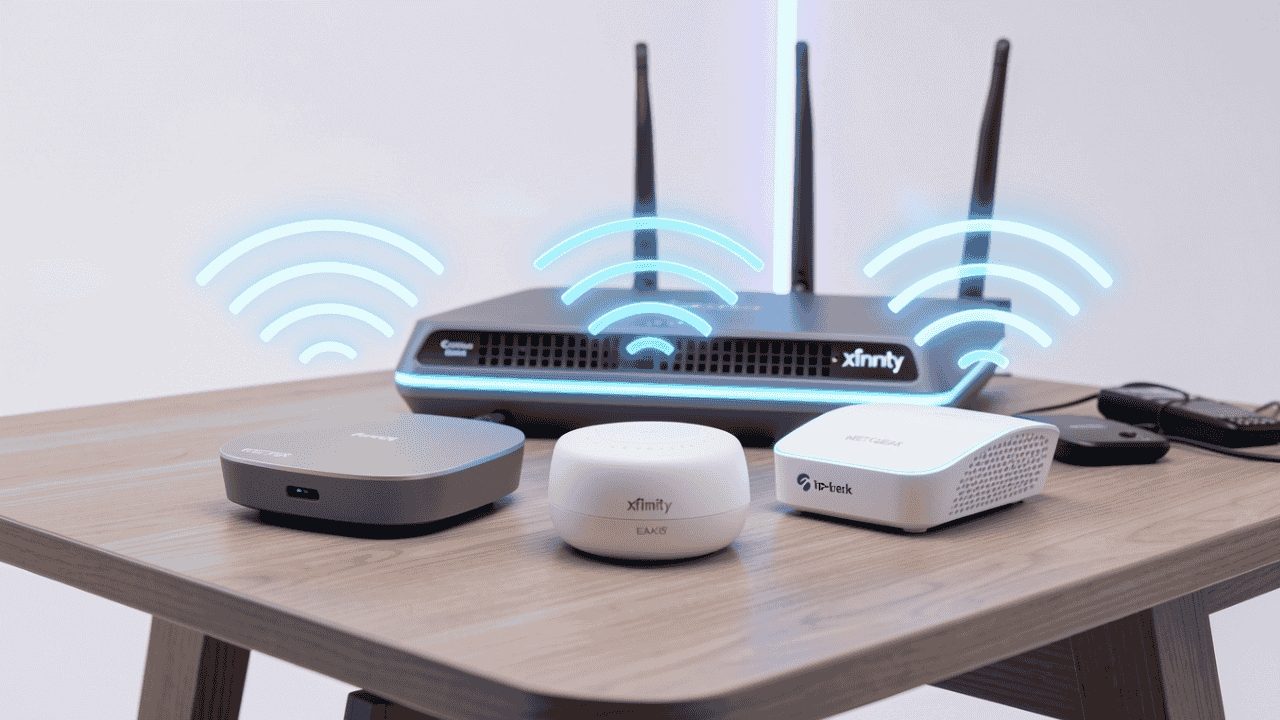

Xfinity internet is usually fast next to the Gateway. A few rooms away it is a different story. Upstairs the signal drops, and video starts to buffer.
A WiFi extender fixes this without a new plan. It picks up the signal from your Xfinity Gateway (XB7, XB8 and others) and carries it to the rooms that need it. You also do not have to pay for Xfinity’s own pods.
The best WiFi extender for Comcast has to do a few simple things. It must connect to an Xfinity Gateway without problems. It should be WiFi 6, so it can keep up with a gigabit plan. And it needs enough range for an apartment, a home with two floors or a house with thick walls. These are our top picks:
- TP-Link RE715X (AX3000): Best overall for Xfinity
- Netgear EAX15 (AX1800): Best mesh-ready plug-in
- Baetaey WiFi Extender Signal Booster for Home: Best value WiFi 6
- TP-Link RE605X (AX1800): Best budget WiFi 6
- Xfinity xFi Pods / Pro Extender: Best official/in-house option
You can set them up with the WPS button, with an app or with an Ethernet cable. Set up the right way, they keep most of the speed of your Xfinity plan.
Why You Might Need a WiFi Extender for Comcast Xfinity
Common Xfinity WiFi Problems & How Extenders Help
- Dead zones: the Gateway cannot reach every floor, the basement or the far rooms.
- A crowded 2.4 GHz band: faster plans need a strong 5 GHz or 6 GHz signal, and that signal fades quickly with distance.
- How an extender helps: it repeats the Gateway’s signal further into the house. If you connect it with an Ethernet cable, the connection is even more stable.
Important notes:
- An extender you buy yourself often gives you more for the money than rented pods.
- Xfinity Pro ($15/mo) includes up to 2 extenders or pods, if you prefer official support.
- Put the extender halfway between the Gateway and the dead zone, with as few walls in between as possible.
Top 5 Best WiFi Extenders for Comcast Xfinity in 2026
Disclosure: This post contains affiliate links. As an Amazon Associate I earn from qualifying purchases. If you purchase through our links, we may earn a small commission at no extra cost to you.
1. TP-Link RE715X AX3000 WiFi 6 Range Extender: Best Overall
The RE715X is our first choice for most Xfinity homes. It is a WiFi 6 extender that covers about 2,000 to 2,500 square feet, so it suits Gigabit plans and larger houses. The 5 GHz signal is strong, which is what streaming and gaming need. One Ethernet port lets you wire in a TV or a console.
- WiFi Standard: WiFi 6 AX3000 (dual-band)
- Max Speed: Up to 3 Gbps combined
- Coverage: ~2,000-2,500 sq ft
- Ports: 1× Gigabit Ethernet
- Features: OneMesh compatible, MU-MIMO, beamforming, Tether app
- Pros: Top-rated speeds and coverage, reliable with Xfinity Gateways, easy roaming, strong 5 GHz for streaming/gaming
- Best for: Xfinity Gigabit/Ultra plans, large homes

Best deal today. Prices may change.
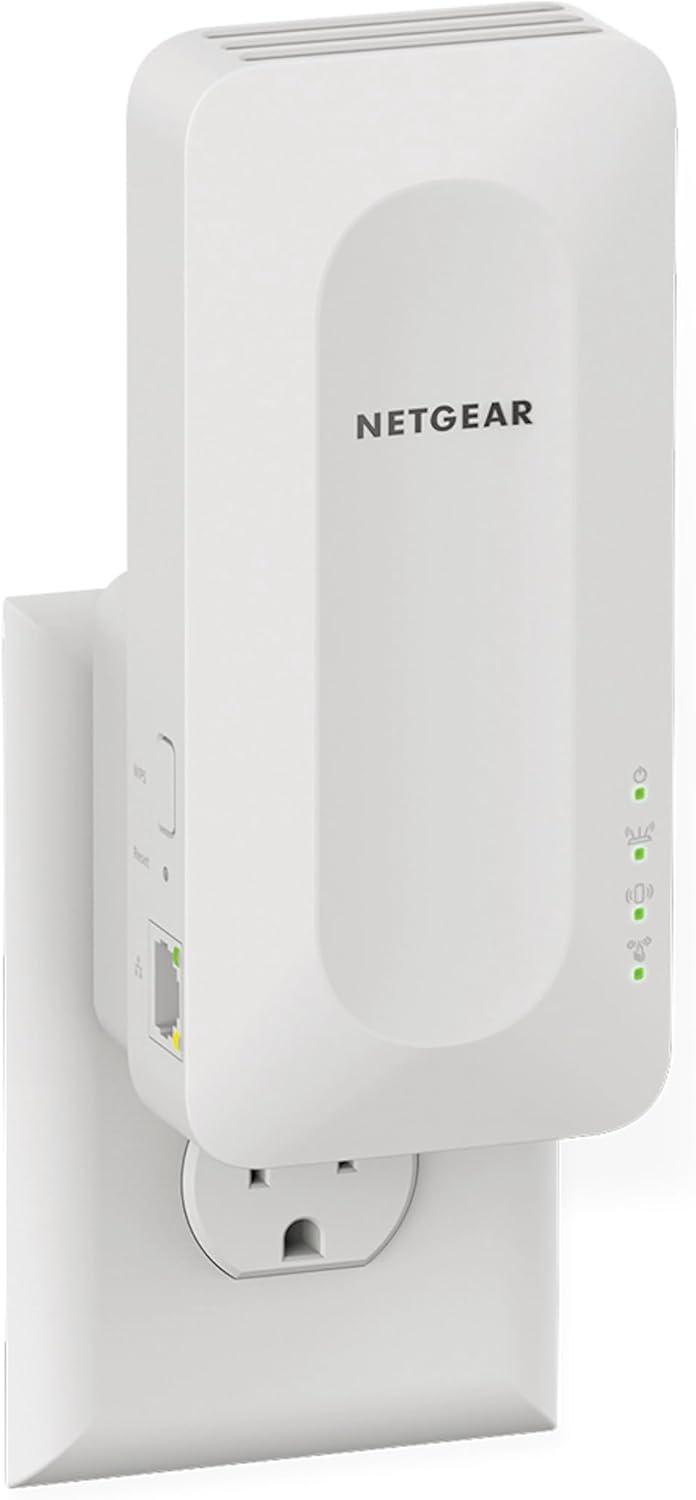
2. Netgear EAX15 AX1800 WiFi 6 Mesh Extender: Best Mesh-Ready Plug-In
The EAX15 is the easy one. It plugs straight into a wall socket and uses the same WiFi name as your router, so your phone moves between the two on its own. It is made for apartments and medium homes. It has one Ethernet port and a little less range than the bigger models.
- WiFi Standard: WiFi 6 AX1800 (dual-band)
- Max Speed: Up to 1.8 Gbps
- Coverage: Good for medium homes/apartments
- Ports: 1× Gigabit Ethernet
- Features: Wall-plug design, mesh-ready, uses the same WiFi name as your router
- Pros: Super easy plug-and-play, compact, solid stability with Xfinity
- Cons: Fewer ports, slightly less range than top models
- Best for: Apartments/medium homes, quick setup
Best deal today. Prices may change.
3. Baetaey WiFi Extender Signal Booster for Home: Best Value
The Baetaey extender is the value pick. You get WiFi 6 and one Ethernet port for less than the well-known brands, and setup is done in an app. Its range is a little behind the RE715X, so it fits medium homes on mid-level Xfinity plans best.
- WiFi Standard: WiFi 6 AX1800/AX3000 (dual-band)
- Max Speed: Up to 1.8-3 Gbps
- Coverage: Strong range
- Ports: 1× Gigabit Ethernet
- Features: Spot Finder tech, MU-MIMO, easy app setup
- Pros: Great balance of price/performance, reliable with Xfinity, good throughput
- Cons: Range slightly behind RE715X in some tests
- Best for: Medium homes on Xfinity mid-tier plans

Best deal today. Prices may change.
4. TP-Link RE605X AX1800 WiFi 6 Extender: Best Budget WiFi 6
The RE605X is the low-cost way to get WiFi 6. It works well with Xfinity and gives steady coverage. Its top speed is lower than the more expensive models. If you just want a reliable signal in one or two extra rooms, it does the job.
- WiFi Standard: WiFi 6 AX1800 (dual-band)
- Max Speed: Up to 1.8 Gbps
- Coverage: Good coverage
- Ports: 1× Gigabit Ethernet
- Features: OneMesh, AP mode
- Pros: Affordable upgrade to WiFi 6, very compatible with Xfinity, reliable coverage
- Cons: Slower max speeds than higher-end models
- Best for: Budget users wanting modern speeds

Best deal today. Prices may change.
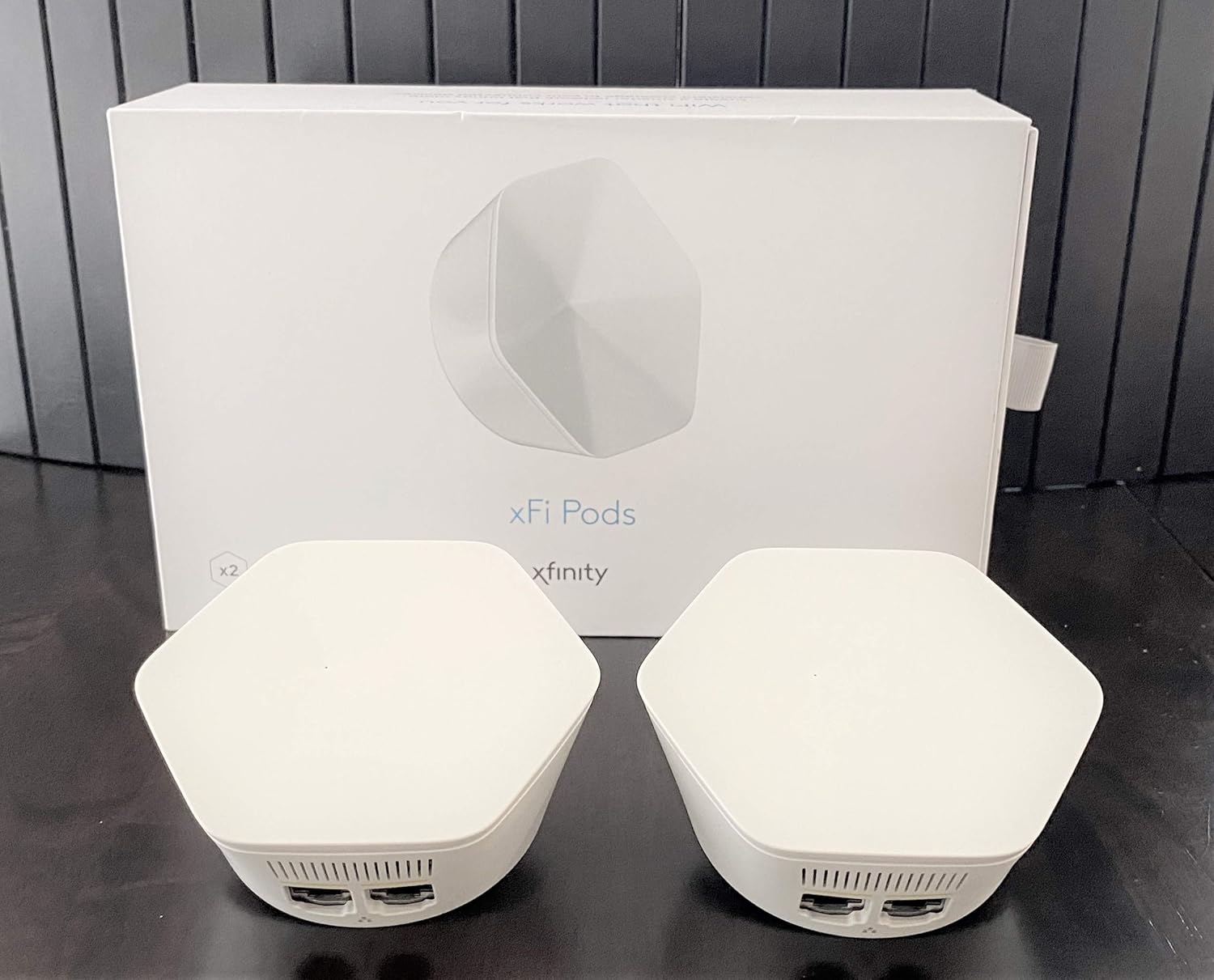
5. Xfinity xFi Pods / Pro WiFi Extender: Best Official Option
The xFi Pods are Xfinity’s own answer. They connect to the Gateway directly and you manage them in the Xfinity app, so there is nothing extra to learn. Up to 2 are included with Xfinity Pro at $15 a month. The trade-off is the monthly cost and less freedom than with an extender you own.
- WiFi Standard: Dual-band (varies by model)
- Coverage: Home-wide mesh
- Features: Works directly with the Xfinity Gateway, managed via Xfinity app
- Pros: No third-party setup hassles, up to 2 free with Xfinity Pro
- Cons: Rental cost ($15/mo for Pro), less flexible than third-party
- Price: Included in Xfinity Pro or purchased separately
- Best for: Users wanting to stay within Xfinity ecosystem
Best deal today. Prices may change.
Quick Comparison Table: Best WiFi Extenders for Comcast 2026
| Rank & Model | WiFi & Speed | Price & Coverage | Best For |
|---|---|---|---|
| 1. TP-Link RE715X | WiFi 6 AX3000, 3 Gbps | $90-$110, 2,000-2,500 sq ft | Best overall Xfinity extender |
| 2. Netgear EAX15 | WiFi 6 AX1800, 1.8 Gbps | $70-$90, Medium homes | Best plug-in mesh |
| 3. Baetaey WiFi Extender | WiFi 6 AX1800/AX3000, 1.8-3 Gbps | $80-$100, Strong range | Best value |
| 4. TP-Link RE605X | WiFi 6 AX1800, 1.8 Gbps | $60-$80, Good coverage | Best budget WiFi 6 |
| 5. Xfinity xFi Pods / Pro | Dual-band, Varies | $15/mo (Pro), Home-wide mesh | Best official |
Thinking about upgrading your whole gaming network instead of just extending it? Read our guide on the best WiFi 7 router for gaming to see how dedicated gaming routers compare to an extender-based approach.
How to Pick the Right WiFi Extender for Xfinity Internet
- Match your plan: on a Gigabit plan, choose WiFi 6 or WiFi 7.
- Your own extender or Xfinity’s: your own is often cheaper and faster. Xfinity Pro is simpler.
- Placement: halfway between the Gateway and the dead zone, with a clear path between them.
- Features: an Ethernet port for a TV or console, and mesh support so your devices switch over on their own.
- Avoid: cheap no-name brands. They are often unstable with Xfinity.
What Xfinity Customers Are Saying in 2026
- TP-Link RE715X: “Fixed all dead zones on my Gigabit plan, no more buffering”
- Netgear EAX15: “Plugs right in, works great with xFi Gateway”
- Xfinity Pro Extender: “Worth the $15/mo for whole-home coverage”
How to Set Up a WiFi Extender on Xfinity the Right Way
- Press the WPS button on the Gateway. This is the fastest way.
- Or use the extender’s app or setup page (tplinkrepeater.net, mywifiext.net and others).
- Use the same WiFi name as your Gateway, so devices switch over on their own. Use a different name only when you are looking for a problem.
- Check the spot with a speed test in the Xfinity app, and move the extender if the result is poor.
- If you would rather use official equipment, upgrade to Xfinity Pro for Xfinity’s own pods.
Other Strong Xfinity-Compatible Extenders
- TP-Link RE655BE (WiFi 7, future-proof)
- Netgear EAX series (more models)
- Google Nest WiFi Pro (in bridge mode for full mesh)
Which WiFi Extender Should You Buy for Comcast Right Now?
- Best overall: TP-Link RE715X
- Best budget: TP-Link RE605X
- Best official: Xfinity Pro Extender
To check today’s price, use the Buy on Amazon button under each product above.
Ready to stop losing matches to your network? Browse our complete guide on the best WiFi 7 router for multiple devices to see how upgrading both the router and extender together delivers the strongest possible gaming network across every room.