
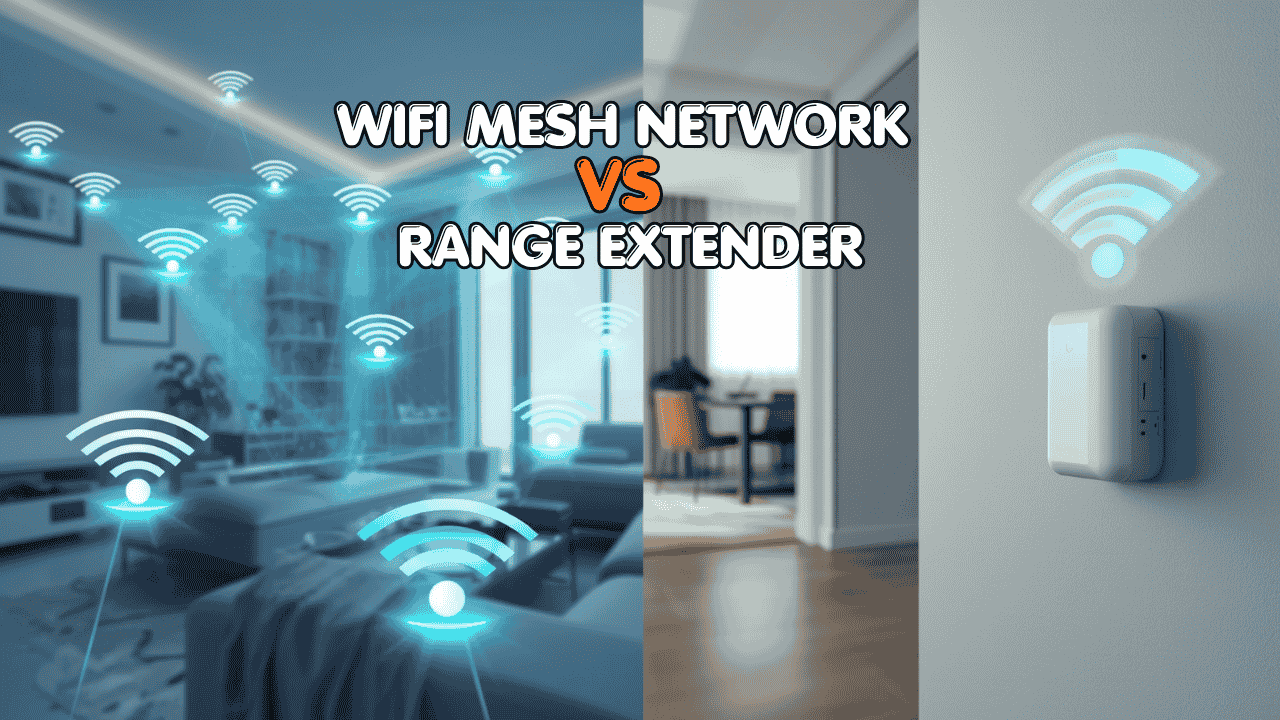

You’re in the middle of a video call, screen frozen, client waiting all because your Wi-Fi signal decided your home office doesn’t exist. Sound familiar?
If you’re running a small business or working from home, spotty internet isn’t just annoying. It’s costing you time, professionalism, and money. The good news? This is a fixable problem. You’ve basically got two options: grab a Wi-Fi extender or upgrade to a mesh Wi-Fi system.
But which one actually makes sense for your setup? Let’s break it down properly, no fluff, just the real differences so you can make the right call.
What’s Actually Causing Your Wi-Fi Dead Zones?
(WiFi Mesh Network vs Range Extender)
Before spending a single dollar, it helps to understand why dead zones happen in the first place.
Your router sends out a wireless signal in all directions. Walls, floors, large appliances, and even microwave ovens absorb and block that signal. The further you are from the router, the weaker the connection. In a home office setup especially across multiple rooms or floors this becomes a real problem fast.
There are two main ways to solve it:
- Extend the existing signal (Wi-Fi extenders)
- Replace the whole system with a network designed to cover every corner (mesh Wi-Fi)
Still struggling with a WiFi dead zone? Check out our recommendation: Best WiFi Booster for Stronger Home Signal and Fewer Dead Zones
Option 1: Wi-Fi Extenders: Cheap, Simple, But With Caveats
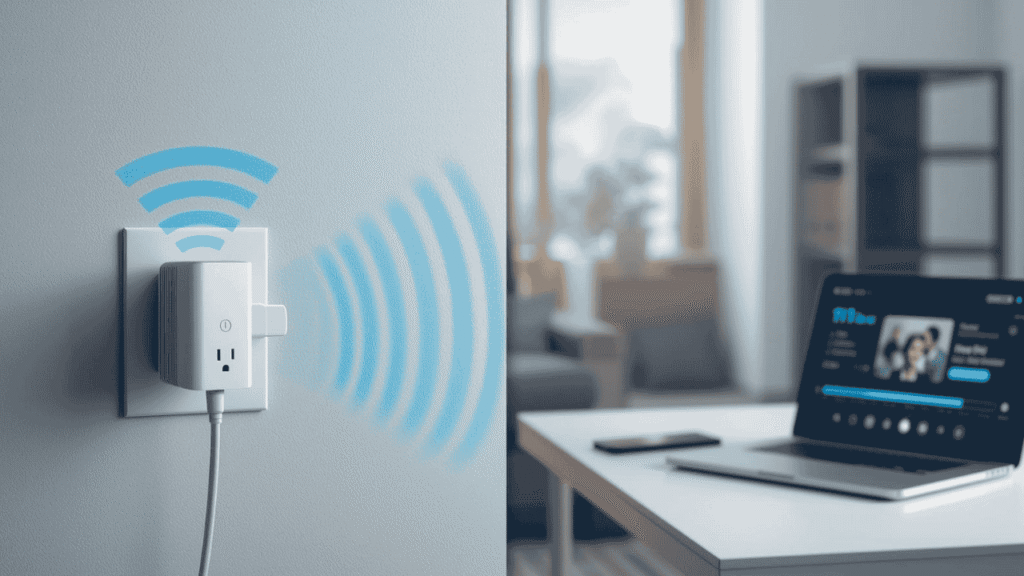
A Wi-Fi extender (also called a range extender or booster) plugs into a wall outlet, picks up your router’s signal, and rebroadcasts it into areas your router can’t reach.
They’re affordable and easy to set up. But the way you use them makes a huge difference in performance.
The 3 Modes You Need to Know
1. Standard Extender Mode (Wireless)
This is how most people use extenders: just plug it in and go. The downside? The extender uses the same wireless channel to both receive your router’s signal and send it to your device. That means you typically lose around 50% of bandwidth in the process. On top of that, most extenders create a separate network name (like HomeNetwork_EXT), so your laptop or phone won’t automatically switch over, you have to do it manually every time you move.
For a home office, this is genuinely frustrating.
2. Access Point (AP) Mode: The Better Option
Here’s where extenders get a lot more useful. If you run an Ethernet cable from your router to the extender and switch it to AP Mode, you get near full-speed performance with the same network name as your main router. Devices connect and switch automatically.
If you can run a cable, this is honestly a solid, budget-friendly setup.
3. Mesh Mode (on Select Extenders)
Some newer extenders, like TP-Link’s RE700X with EasyMesh, use a dedicated wireless backhaul channel. That means they communicate with your router on a separate frequency, keeping your device’s connection fast while still staying wireless. This bridges the gap between a basic extender and a full mesh system.
Best Wi-Fi Extender for Home Offices in 2026
TP-Link RE700X Wi-Fi 6 Range Extender: Supports EasyMesh, dual-band Wi-Fi 6, and works in AP mode. One of the best-value extenders you can get for a home office setup.
Who should buy an extender:
- You have one specific dead zone (a back bedroom, basement office, garage)
- You’re on a tight budget (extenders typically run $30–$100)
- Your devices mostly stay in one place (desktop PC, smart TV, security cameras)
- You can run a cable to use AP Mode
Option 2: Mesh Wi-Fi Systems: The Upgrade Worth Considering
A mesh system works differently. Instead of boosting a single router’s signal, it replaces your router entirely with a coordinated network of nodes: a main unit and one or more satellites placed throughout your home.
All the nodes communicate with each other and your devices simultaneously, creating a single, unified Wi-Fi network. As you walk from room to room (or floor to floor), your devices hand off seamlessly to the nearest node. You never see a separate network name, and you never have to reconnect.
For small business owners and home office workers, this is a game-changer.
Why Mesh Is Built for Productivity
- Seamless roaming: Your laptop stays connected through every call, every room
- Consistent speeds: No more 50% bandwidth penalty from relay chains
- Easy to expand: Got a new dead zone? Just add another satellite node
- Handles more devices: Modern mesh systems are built for 20, 30, 50+ connected devices, smart home gadgets, phones, tablets, work laptops, all of it
The Top 3 Mesh Systems for Home Offices Right Now (WiFi Mesh Network vs Range Extender)
1. Amazon Eero Pro 6E: Best Overall for Home Offices

Eero’s system is incredibly easy to set up (the app walks you through everything in minutes), and the Pro 6E supports Wi-Fi 6E, the newest standard with a dedicated 6 GHz band for blazing fast, low-interference speeds. It integrates directly with Alexa and works brilliantly with Amazon devices if that’s your ecosystem.
Best for: Remote workers who want a simple, high-performance setup without dealing with complex settings.
Typical coverage: ~2,000 sq ft per node | Tri-band | Wi-Fi 6E
2. Netgear Orbi RBK863S: Best for Large Homes & Power Users

Netgear Orbi is the heavy hitter here. The RBK863S uses a dedicated backhaul band, a separate wireless connection just for node-to-node communication, which keeps your internet speeds fast even in a multi-story home. It’s pricier, but if you have a large space or need rock-solid performance for video calls and large file transfers, it’s worth every penny.
Best for: Home offices in large houses, multi-floor setups, or anyone who needs consistent speeds for demanding tasks.
Typical coverage: ~2,500 sq ft per satellite | Tri-band | Wi-Fi 6E
3. TP-Link Deco XE75 Pro: Best Value Mesh System

TP-Link’s Deco series offers excellent performance at a noticeably lower price point than Eero or Orbi. The XE75 Pro supports Wi-Fi 6E, has a clean app experience, and handles a busy home office without breaking a sweat. If you want mesh without the premium price tag, this is the one to look at.
Best for: Budget-conscious home office workers who still want real mesh performance.
Typical coverage: ~2,400 sq ft per node | Tri-band | Wi-Fi 6E
Head-to-Head Comparison: Extender vs. Mesh
| Feature | Wi-Fi Extender | Mesh Wi-Fi System |
| Cost | $30 – $100 | $150 – $500+ |
| Setup difficulty | Very easy | Easy (app-guided) |
| Coverage area | Single dead zone | Whole home |
| Seamless roaming | No (unless AP mode) | Yes |
| Speed loss | ~50% (standard mode) | Minimal |
| Scalability | Limited | Add nodes anytime |
| Best for | One-room fix | Full home coverage |
So… Which One Should You Actually Buy?
Here’s the honest answer:
Choose a Wi-Fi extender if:
- You have one dead zone and your office is in a fixed spot
- You’re working with a tight budget
- You can set it up in AP mode with a cable
Choose a mesh Wi-Fi system if:
- You move around your home while working (laptop, phone, tablet)
- You’re constantly on video calls and need stable, fast internet
- You have multiple floors or a large home
- You want to solve the problem once and not think about it again
For most small business owners and home office workers, mesh is the better long-term investment. The seamless roaming and consistent speeds genuinely make a difference when you’re relying on your internet connection for work every day.
Quick Buying Guide at a Glance
| Your Situation | Recommended Product |
| One dead zone, tight budget | TP-Link RE700X Extender |
| Whole-home coverage, simple setup | Eero Pro 6E |
| Large home, maximum performance | Netgear Orbi RBK863S |
| Best mesh value | TP-Link Deco XE75 Pro |
Final Thoughts
Dead zones in a home office aren’t just annoying, they’re a productivity problem. If you’re dealing with one specific room that loses signal, a well-configured extender (especially in AP mode) is a perfectly solid fix. But if you’re tired of fighting with your connection and want it sorted properly, a mesh system is absolutely the way to go. (WiFi Mesh Network vs Range Extender)
The Eero Pro 6E is our top pick for most home office setups, it’s fast, easy, and just works. If you need to cover a bigger space or want the absolute best performance, the Netgear Orbi RBK863S is worth the extra spend.
Got questions about your specific setup? Drop them in the comments, happy to help you figure out the best option for your space.
Disclosure: Some links in this post are affiliate links. If you purchase through them, we may earn a small commission at no extra cost to you. We only recommend products we’ve researched and genuinely think are worth your money.