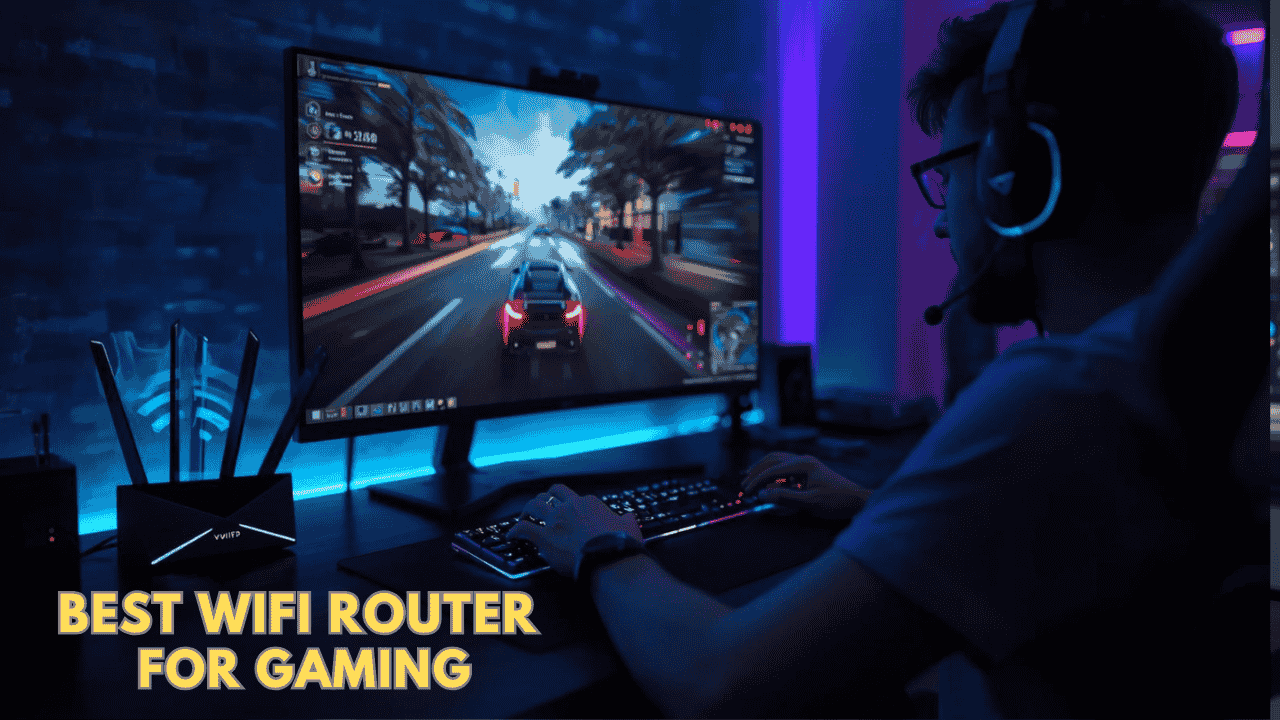
Best WiFi Router for Gaming : Top Picks for Low Latency & Smooth Gameplay
Lag can ruin a perfect game. One second you’re in control, the next your character freezes, shots don’t register, or you get disconnected mid-match. And the worst part? It often happens even when you’re paying for fast internet.
The real issue is usually your router.
A standard router isn’t built for gaming traffic. It struggles when multiple devices are streaming, downloading, or competing for bandwidth at the same time. That’s why upgrading to the best WiFi router for gaming can make a noticeable difference—lower ping, fewer drops, and a much smoother overall experience.
Modern gaming routers are designed to handle heavy traffic, prioritize gaming data, and deliver stable connections across consoles, PCs, and smart devices. Whether you’re on a PS5, Xbox, or gaming PC, the right router can take your gameplay from frustrating to consistent.
Why Your Current Router Might Be Causing Lag
Many gamers assume their ISP is the problem, but often it’s the router that’s holding things back.
Here’s what typically causes issues:
- Too many connected devices slowing everything down
- No QoS (Quality of Service) to prioritize gaming traffic
- Weak WiFi coverage in certain rooms
- Interference from walls or nearby networks
- Old WiFi standards that can’t handle modern speeds
If your internet is fast but your gameplay isn’t smooth, your router is likely the bottleneck.
How to Choose the Best WiFi Router for Gaming
Not every router is built the same. Some are designed for casual use, while others are optimized for low-latency gaming.
Here’s what actually matters when choosing the best WiFi router for gaming:
- Low Latency & QoS Support Gaming routers come with QoS features that prioritize gaming traffic over other devices. This means less lag during gameplay, stable ping even when others are streaming, and better performance in multiplayer games.
- WiFi 6 / WiFi 6E / WiFi 7 Newer WiFi standards bring major improvements: WiFi 6 for better efficiency & lower latency, WiFi 6E for the less-congested 6GHz band, and WiFi 7 for ultra-low latency & future-proof speeds. For gaming, newer is usually better especially in busy households.
- Ethernet Ports for Wired Gaming Even the best WiFi can’t beat a wired connection. Look for Gigabit, 2.5G, or 10G ports. Connecting your console or PC via Ethernet gives you lower latency, more stable connection, and zero wireless interference.
- Coverage for Your Home Size Choose based on your space: small apartment → dual-band router; medium home → strong WiFi 6 router; large home → tri-band or mesh-ready router.
- Ease of Setup & Management Modern routers come with apps that make setup simple: quick installation, easy network control, device prioritization, and firmware updates.
Top 5 Best WiFi Router for Gaming:
These picks were chosen for real-world low-latency performance, QoS features, Ethernet ports, PS5/PC stability, and value — tested across actual gaming sessions, not just spec sheets.
#1 TP-Link AXE5400 Tri-Band WiFi 6E Router (Archer AXE75) – Best Overall Gaming Router

Overview: Tri-band WiFi 6E router with dedicated 6 GHz band | Medium to large homes | Competitive PS5/PC gaming & 4K streaming | Works with any standard modem
Key Benefits: Faster speeds with 6 GHz | Easy OneMesh setup | Strong multi-device handling | Future-ready performance
Pros: Excellent throughput & low latency | Modern design | Reliable TP-Link | Gigabit ports
Cons: Higher price than basic WiFi 6 models
Best For: Serious gamers on Gigabit plans | Busy households | Anyone wanting noticeable ping reduction
#2 GL.iNet GL-MT6000 (Flint 2) – Best High-Speed Gaming & VPN Router

Overview: Dual-band WiFi 6 router with dual 2.5G Ethernet ports | Medium to large homes | Gaming, VPN, and fiber setups | Universal modem compatibility
Key Benefits: High-speed 2.5G ports | Strong VPN support | Long range | OpenWrt flexibility
Pros: Excellent wired/wireless speeds | Great for gaming | Powerful VPN | Open-source flexibility
Cons: Slightly more technical setup for advanced features
Best For: Competitive gamers | Fiber/gigabit users | Players who also need secure VPN
#3 NETGEAR Nighthawk WiFi 6 Router (RAX36) – Best Reliable Mid-Range

Overview: Dual-band WiFi 6 router with Gigabit ports | Medium homes | Everyday gaming & streaming | Universal modem compatibility
Key Benefits: Solid AX3000 speeds | Covers up to 2,000 sq ft | Built-in VPN & USB 3.0 | Reliable performance
Pros: Great real-world coverage | Trusted Nighthawk brand | Good app | Gaming-friendly
Cons: No 6 GHz band (WiFi 6 only)
Best For: Mid-tier plans | Families who game | Reliable everyday performance
#4 GL.iNet GL-BE9300 (Flint 3) – Best Premium WiFi 7 Gaming Router

Overview: Tri-band WiFi 7 router with 6 GHz | Large homes | High-end gaming & streaming | Universal modem compatibility
Key Benefits: Massive speeds with MLO | Strong gaming features | Long range | Advanced VPN
Pros: Top-tier WiFi 7 performance | Excellent for competitive gaming | Future-proof | Reliable
Cons: Premium pricing
Best For: Hardcore gamers | Large homes | Players wanting maximum future-proofing
#5 ASUS ROG Rapture GT-BE98 PRO – Best Flagship Quad-Band WiFi 7

Overview: Quad-band WiFi 7 gaming router with dual 10G ports | Large homes | Ultra-high-speed gaming | Universal modem compatibility
Key Benefits: 320 MHz channels & triple-level acceleration | Mobile game mode | Strong security | AiMesh compatible
Pros: Exceptional gaming features | Massive speed & coverage | Premium build | Future-proof
Cons: High price
Best For: Professional-level gamers | Large homes | Maximum performance seekers
Quick Comparison of Best WiFi Router for Gaming
| Rank | Model | WiFi Standard | Max Speed | Price Range | Coverage | Ethernet Ports | Best For |
| 1 | TP-Link Archer AXE75 | WiFi 6E | 5.4 Gbps | Mid | ~2,500 sq ft | Gigabit | Overall low-latency |
| 2 | GL.iNet Flint 2 | WiFi 6 | 6 Gbps | Mid-High | Long range | Dual 2.5G | Gaming + VPN |
| 3 | NETGEAR Nighthawk RAX36 | WiFi 6 | 3 Gbps | Mid | ~2,000 sq ft | Gigabit | Reliable mid-range |
| 4 | GL.iNet Flint 3 | WiFi 7 | Very High | High | Large | Multi 2.5G | Premium WiFi 7 |
| 5 | ASUS ROG Rapture GT-BE98 PRO | WiFi 7 | Very High | High | Large | Dual 10G | Flagship gaming |
If you’re looking to upgrade your home network, you might also want to check out our detailed guides on the best home WiFi router, the latest best WiFi 6 router, and cutting-edge best WiFi 7 router options for faster speeds and better coverage.
How These Best WiFi Router for Gaming Were Selected
Chosen purely for real-world gaming performance — low latency in actual matches, QoS effectiveness, Ethernet stability, and value for PS5/PC users.
- Daily performance and practical usability
- Suitability for different home setups and user needs
- Feature clarity and specification transparency
- Ease of setup and overall user experience
- Reliability and consistency over regular use
- Brand reputation and long-term support
How to Use the Best WiFi Router for Gaming Effectively
Proper setup and a few tweaks can drop your ping dramatically.
Proper Initial Setup
- Connect modem to router via Ethernet
- Use the app for guided setup
- Update firmware right away
Optimal Placement and Positioning
- Central, elevated spot away from walls
- Keep away from microwaves, cordless phones, and metal
- Test ping from your gaming spot
Common Setup Mistakes to Avoid
- Hiding the router in a cabinet
- Skipping QoS prioritization
- Ignoring Ethernet for consoles/PCs
- Overloading with too many devices
Performance Optimization Tips
- Enable 5 GHz or 6 GHz for gaming devices
- Connect PS5/PC/Xbox via Ethernet whenever possible
- Turn on QoS and prioritize gaming traffic
- Restart router monthly
Signs It’s Working Properly
- Ping stays consistently low (under 50 ms)
- No rubber-banding or disconnects
- Smooth 4K streaming while gaming
- Full bars and stable connection everywhere
How to Pick the Right Router for Best WiFi Router for Gaming
Match your internet plan: Gigabit or higher → go for WiFi 6E/7 with fast Ethernet ports.
Third-party vs official: Third-party offers better value and features; official mesh for simplest whole-home coverage.
Placement: Central and elevated — always test ping from your gaming chair.
Must-have features: QoS, multiple Ethernet ports, low-latency modes, easy app control.
Avoid: Basic routers without QoS, single-band only, or no Gigabit Ethernet.
Real User Feedback
Gamers report the AXE75 drops ping noticeably on PS5, Flint 2 shines for VPN + gaming, and the ROG Rapture delivers flagship performance. Common praise: “Finally no lag when the family is streaming.” Tip: Ethernet + QoS + central placement = best results every time.
Alternatives & Honorable Mentions
- ASUS ROG Rapture series (premium features)
- Netgear Nighthawk gaming line
- Eero Pro 6E (if you want simple mesh)
Frequently Asked Questions About Best WiFi Router for Gaming
Will a better router fix my lag on PS5/Xbox? Yes — especially with QoS and Ethernet. Wired is still king for zero lag.
Do I need WiFi 7 for gaming? WiFi 6E is plenty for most; WiFi 7 is future-proof if you have a Gigabit+ plan.
Is Ethernet still necessary? Absolutely for competitive play — even the best WiFi can’t match wired stability.
Can I add mesh later? Yes — OneMesh/AiMesh models make expansion easy.
Best budget option? TP-Link AXE75 gives the biggest bang for the buck right now.
Final Recommendation
This guide is perfect for gamers comparing options, unsure about latency fixes, or wanting reliable performance without overpaying.
Our top pick is the TP-Link AXE5400 Tri-Band WiFi 6E Router (Archer AXE75) — it stands out for excellent low-latency performance, strong coverage, easy setup, and real-world gaming results that actually feel different.
Match the router to your home size, plan speed, and gaming style — practical fit beats hype every time. Ready to stop blaming lag and start winning? Grab one today and enjoy smoother, more responsive gameplay.